Deterministic Chart Animation in the Browser: Let the Frame Index Be Your Clock
Deterministic Chart Animation in the Browser: Let the Frame Index Be Your Clock Animation...
Deterministic Chart Animation in the Browser: Let the Frame Index Be Your Clock
Animation code almost always starts the same way:
const t = (performance.now() - startedAt) / duration;
drawChart(easeOutCubic(t));
That works for a preview. It breaks the moment you want to export a video, re-render one frame for a thumbnail, or debug a glitch that only appears at 00:01:47. Wall-clock time is not an input you can replay.
I work on animated charts, and the most useful design decision we made was to remove performance.now() from the rendering path entirely. Below is what replaced it, plus the four edge cases that still caught us out.
1. Make the frame index the only clock
const FPS = 30;
const TOTAL_FRAMES = FPS * 6; // a six-second clip

function renderFrame(ctx, frame, scene) {
  const t = Math.min(frame / (TOTAL_FRAMES - 1), 1); // 0..1, reproducible
  const eased = easeInOutCubic(t);

  ctx.clearRect(0, 0, ctx.canvas.width, ctx.canvas.height);
  drawSeries(ctx, scene.series, eased);
  drawAxis(ctx, scene.axis, eased);
  return t;
}
renderFrame is a pure function: same frame plus same scene produces the same pixels. You can still have a smooth preview — just schedule frames with requestAnimationFrame and drop duplicates. Never pass rAF's timestamp into the renderer.
let frame = 0;
let lastTick = 0;

function loop(now) {
  if (now - lastTick >= 1000 / FPS) {
    renderFrame(ctx, frame, scene);
    frame = (frame + 1) % TOTAL_FRAMES;
    lastTick = now;
  }
  requestAnimationFrame(loop);
}
The subtle part: with now - lastTick, a slow device renders fewer frames but the content of frame 42 is unchanged. The animation degrades in smoothness, not in meaning.
2. Keep easing pure — and hash your randomness
Every easing function in the renderer should be a pure function of t. No state, no Date.now(), no Math.random().
const easeInOutCubic = t =>
  t < 0.5 ? 4 * t * t * t : 1 - Math.pow(-2 * t + 2, 3) / 2;
If a scene needs jitter — particles, a "hand-drawn" line, subtle noise — derive it from the frame index instead of the RNG:
function hash01(n) {
  const x = Math.sin(n * 12.9898) * 43758.5453;
  return x - Math.floor(x);
}

const jitter = (hash01(frame) - 0.5) * 4; // same every replay
This one change removed an entire class of "the exported video doesn't match the preview" reports.
3. Align data by key, never by array index
A chart animation usually interpolates between snapshots. If you join those snapshots by array position, one missing or reordered category silently turns into a completely different story.
function alignSnapshots(a, b, t) {
  const keys = new Set([...a.keys(), ...b.keys()]);
  const out = new Map();

  for (const key of keys) {
    const from = a.get(key) ?? 0;
    const to = b.get(key) ?? 0;
    out.set(key, from + (to - from) * t);
  }
  return out;
}
Two details that matter for CSV imports: numeric strings must be coerced before interpolation ("1,200" is not a number), and timestamps from different timezones need to be normalized to a common axis before you compute t. Otherwise a "Q1 → Q2" transition can drift by a whole bar.
4. Fonts and color spaces are the hidden nondeterminism
Canvas text drawn before webfonts finish loading produces a different layout on every run. Await them once, then render:
await document.fonts.load('600 16px Inter');
await document.fonts.ready;
startExport();
The second trap is interpolating brand colors in sRGB. Mixing #ff3b6b and #3b82f6 linearly gives you a muddy grey in the middle. Mixing in OKLab keeps the saturation:
function mixOklab(a, b, t) {
  // a, b are [L, a, b] in OKLab; convert sRGB -> OKLab once per palette
  return [
    a[0] + (b[0] - a[0]) * t,
    a[1] + (b[1] - a[1]) * t,
    a[2] + (b[2] - a[2]) * t,
  ];
}
Modern browsers accept oklch(...) directly as ctx.fillStyle, so you can preview the target color without a manual conversion — but the interpolation step still needs the math above.
5. One renderer, two output paths
Once frames are deterministic, the export strategy becomes a choice rather than a rewrite:
- MediaRecorder captures the canvas in real time. Fast, but a dropped frame changes the output.
- Offscreen frames render
0..N-1into anOffscreenCanvas, then encode via WebCodecs or ffmpeg.wasm. Slow, but byte-for-byte repeatable.
Both call the same renderFrame(ctx, frame, scene). That is the whole point: the renderer never knows which sink is attached.
async function exportFrames(scene, onFrame) {
  const canvas = new OffscreenCanvas(1920, 1080);
  const ctx = canvas.getContext('2d');

  for (let frame = 0; frame < TOTAL_FRAMES; frame++) {
    renderFrame(ctx, frame, scene);
    onFrame(await canvas.convertToBlob({ type: 'image/png' }), frame);
  }
}
For a 4K export, do the expensive work once per frame and reuse the blob for both the video encoder and the thumbnail. Recomputing the same frame twice is the most common cause of confusing mismatches.
Where this came from
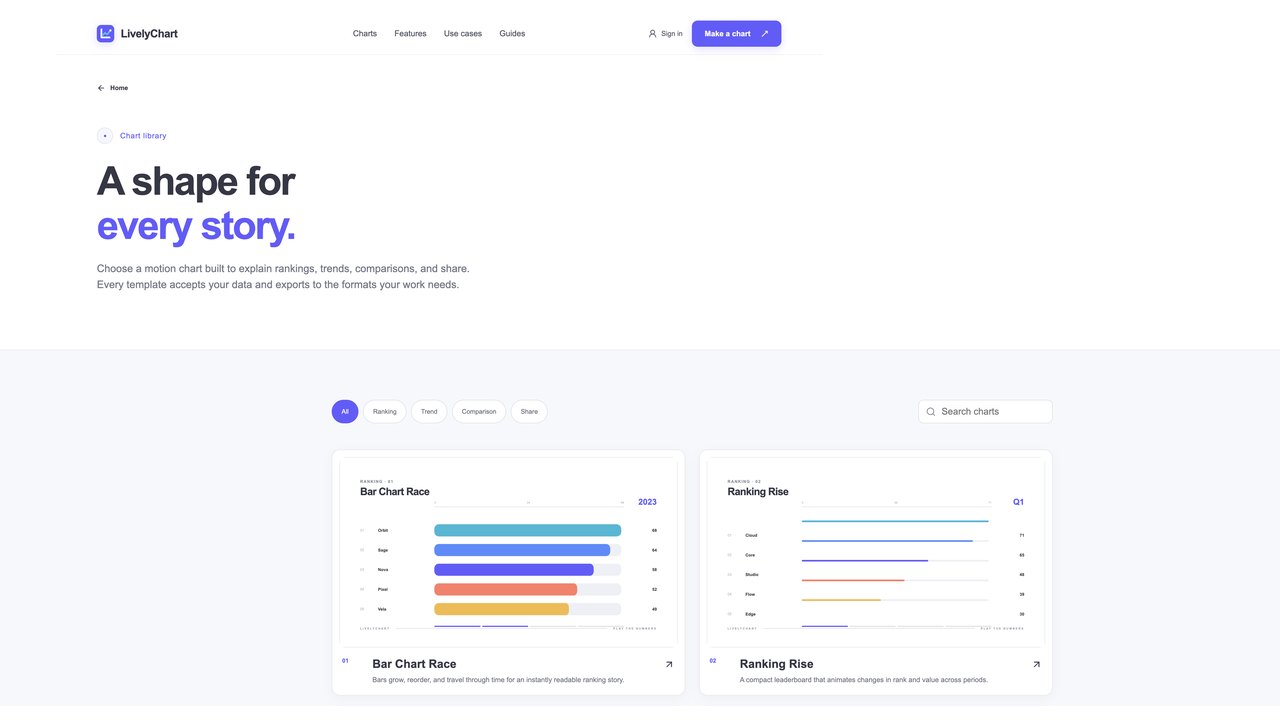
These are the constraints that shaped LivelyChart, a tool I build that turns spreadsheets into animated charts. You describe the scene — a board deck, a product launch, a quarterly review, a social clip — and it generates the chart templates, maps labels and values, and exports MP4, WebM, GIF or PNG up to 4K. The data is parsed in the browser; it only leaves the device when you ask the AI to edit it.
If you are building your own animation pipeline, my advice is simple: pick frame 42, render it twice, and compare the pixels. Every nondeterminism in your stack will show up there.
Disclosure: I am one of the builders of LivelyChart, linked above.
Sumber artikel open-source oleh YananLee di DEV Community — Baca artikel asli. Topik:
#webdev#javascript#performance#animation
Komentar