LAHORE · A City of Stories: I put a whole city on a tiny planet in the browser"
Walk the royal trail of Lahore on a little round planet, ride a Sohrab cycle, row across the Ravi,...
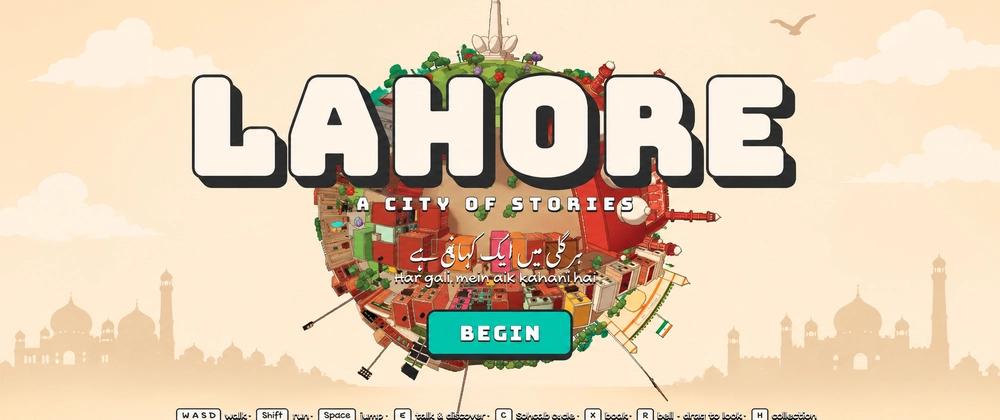
Walk the royal trail of Lahore on a little round planet, ride a Sohrab cycle, row across the Ravi, eat your way down the food street, and collect a postcard for every landmark you find.
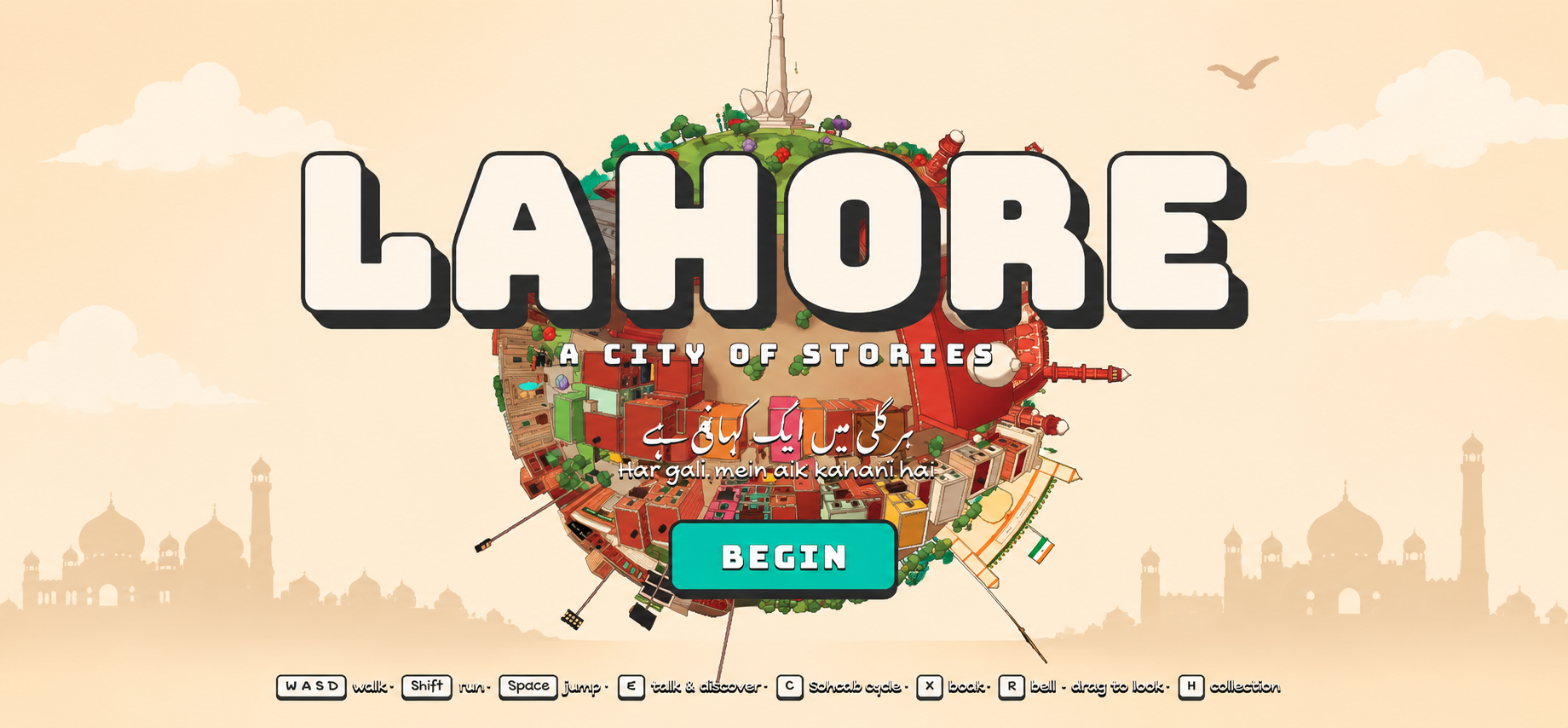
Lahore is a city where, as the saying goes, har gali mein aik kahani hai — every street has a story. I wanted to put that feeling in a browser tab: not a map, not a slideshow, but a place you walk around in. So I built LAHORE · A City of Stories, a tiny-planet exploration game where the whole walled city wraps around a sphere you can stroll across in a couple of minutes.
This is the story of how it came together: the planet trick, a city generated entirely from code, a toon renderer, a living crowd, and a heritage layer powered by Cloudinary.
What it is
- A third-person exploration game. You're a tourist in Lahore.
- A tiny planet (radius 60 units) with the Shahi Guzargah — the royal trail — running around it, from Delhi Gate past the Wazir Khan Mosque and Shahi Hammam to the Lahore Fort, the Badshahi Mosque and the Fort Road Food Street.
- Beyond the walls: Minar-e-Pakistan, Lahore Junction with a Pakistan Railways train, Gaddafi Stadium with a cricket match that never ends, Kamran's Baradari on an island in the Ravi, and the Wagah border where the flag ceremony runs on a loop.
- A collection of 20 heritage cards (places + famous foods), each with real photographs, a short history, and a little Ken Burns film — all delivered by Cloudinary.
Stack: SvelteKit + TypeScript, Three.js (WebGL2), Cloudinary for media, deployed on Vercel.
The tiny-planet trick
The core illusion is simple: author everything on a flat local patch, then bend that patch onto a sphere.
I describe positions in "trail coordinates": w runs along the trail (like longitude in metres) and t runs across it (latitude). A PlanetFrame converts a local (x, y, z) — where the building was modelled flat — into a world point on the sphere, with the correct "up" being the planet normal at that spot:
// a frame anchored at a trail point, facing a compass direction
const frame = PlanetFrame.trail(w, t, facing);

// a local point on the authored patch -> a world point on the planet
const worldPos = frame.point(localX, localY, localZ);
Each landmark is built in its own flat frame, then baked onto the globe. The catch: if you bend a tall thing onto a sphere, the top leans outward. So slender things — minarets, domes, flagpoles, trees — are kept upright while the wide bases follow the curvature. The player's gravity always points at the planet centre, and the camera's "up" is parallel-transported as you walk, so the horizon curves away just like on those little planet photos.
A city built from code, not model files
There are almost no 3D model files in this project. The entire city is generated at load time from a small geometry DSL I call the Builder:
const b = new Builder(seed);
b.box(13, 2.4, 9, { decor: 'brickRed', tile: 1.4 }, { x: 0, y: 0, z: 0 });
b.archWall(10, 4.6, 0.5, arches, { decor: 'marbleInlay' }, { x: 0, y: 2.4, z: 1.4 });
b.dome(1.4, 2.2, 'onion', 'gold', { x: 0, y: 7.9, z: 0 });
b.stairs(2.4, 6, 0.4, 0.45, 'brickLight', { x: 6.9, y: 0, z: 3.4 });
Boxes, arches, domes, lathes, stairs, merlons, jharokhas, chhatris — every Mughal façade is a few dozen of these calls. Colour comes from a 16×16 palette texture: geometry UVs just point at a single cell, so a whole chunk of the city shares one material and one draw call. Patterned surfaces (brick, kashi tiles, frescoes, jali, shop signs, flags, truck art) come from a Canvas-painted decor atlas generated in the browser at startup — no image assets to ship.
Static geometry is merged per chunk into two meshes plus one BVH collider. About 600k triangles for the whole city, in ~58 chunks.
The look: a custom toon renderer
Lahore has a flat, illustrated, slightly-storybook look. That's one custom toon material (palette lookup, HSV shadow tint, a line that dissolves near the camera) plus a single fullscreen pass that:
- paints the sky,
- draws outlines from depth discontinuities and a per-surface ID written into the alpha channel, and
- applies a 32³ colour lookup table with tetrahedral interpolation for the final grade.
One scene render into an HDR target, one post pass. No heavyweight effect chain.
Making it feel alive
A city without people is a diorama. So there are ~190 characters: shopkeepers, vendors sitting at stalls, worshippers, kids flying kites, pedestrians walking looped paths. They're skinned meshes sharing a palette, with idle/walk/talk clips.
A few set-pieces are scripted:
- A cricket match at Gaddafi Stadium that never ends — the bowler runs in, the ball bounces, the batsman swings it into the outfield, both batters run between the wickets, and a fielder's throw brings it back. Ball + bat are driven by a small state machine on a 7-second loop.
- The Wagah flag ceremony — the iron gates swing open, Rangers in black and the BSF in khaki march to the zero line in fan-crested turbans, both flags come down together, then everyone marches back and the gates shut. A 44-second loop.
- A Sohrab cycle you summon with a key and ride (it reuses the character physics with different force/turn tuning), and a boat you call at the river's edge to row across the Ravi — because you can't swim in the game, just like the real river.
Cloudinary: the heritage layer
Here's the part I'm proudest of. Every landmark and every dish has a heritage card with real Creative-Commons photographs, and Cloudinary is the entire media pipeline behind them.
Delivery is pure URL-building. The browser only ever sees the public cloud name, and every image carries f_auto (serve AVIF/WebP when supported) and q_auto (automatic quality):
// a responsive, auto-format, smart-cropped thumbnail
`https://res.cloudinary.com/${cloud}/image/upload/c_fill,g_auto,w_${w},h_${h}/f_auto,q_auto/${publicId}`
On top of that, Cloudinary does a lot of work the app never has to:
- Responsive
srcset— cards request seven widths and let the browser pick;c_fill,g_autokeeps the interesting part of the frame. - Locked teasers — undiscovered places show the same photo through
e_grayscale,e_blur:900, so you get a hint without a spoiler. - Ken Burns films — the back of a card plays a short MP4 that Cloudinary renders from the still photo with
e_zoompan. No video files uploaded; Cloudinary makes the video. - A shareable postcard composed entirely with transformation layers (
l_text,bo_) — caption and border baked in by the URL.
Seeding was its own adventure. A script uploads each Wikimedia Commons original into lahore-heritage/<landmark>/<slot> with the author, licence and source page attached as contextual metadata. Wikimedia aggressively rate-limits bulk downloads (hello, HTTP 429), so the seeder learned to route fetches through an image proxy and fall back across several routes until every one of the 41 images landed. Then the game just builds URLs against them.
Because delivery is client-side and the public cloud name is, well, public, the deployed build gets its Cloudinary config at build time and the whole thing runs as a static site — no server needed for images at all.
Hitting 30 fps without losing the look
First real-device numbers were ~16 fps. The art style is cheap to draw (flat shading, 600k tris), so the cost was elsewhere. Four changes, none of them visible:
- Adaptive resolution. Render at the sharpest device pixel ratio that still holds ~30 fps, clamped between 1.0 and native. It only softens under genuine load and climbs back when the GPU can keep up.
- Shadows every other frame. The sun is effectively static frame-to-frame, so re-rendering the whole shadow depth pass every frame was pure waste.
- MSAA 4× → 2×. On a flat toon image with an outline pass on top, the difference is invisible; the bandwidth saving isn't.
- NPC animation LOD. The real CPU cost was ~30 visible characters each running an
AnimationMixerevery frame. Near ones animate every frame; distant ones update every 2nd–3rd frame, staggered — movement stays smooth, you never notice the limbs refreshing slower.
That roughly doubled the frame rate while the screenshots stayed pixel-identical.
Deploying
The game is client-rendered (ssr = false), so I build it as a static SPA with adapter-static and let Vercel serve the files from its CDN — ideal for a WebGL game (no cold starts) and it sidesteps an adapter/runtime version mismatch on the way.
What I learned
- Procedural beats assets for a stylised world. No model pipeline, no texture budget, and the whole city is a few hundred KB of code. Want another arch? One more line.
- Push work to the edge. Cloudinary turned "resize, crop, grade, make a video, build a postcard" into URL parameters. The client ships none of that logic.
- Performance wins are usually invisible. The biggest gains came from doing the same work less often (shadows, animation), not from making anything look worse.
- Constraints make the design. You can't swim the Ravi, so you need a boat. The planet is small, so the whole city has to be legible at a glance. Those limits shaped the game more than any feature list.
Try it
It runs in any modern browser — drag to look, WASD to walk, C for the cycle, K for the boat at the river, H for your collection.
Repo: Web:
Photographs are from Wikimedia Commons contributors, credited on each card. If you're from Lahore, I hope it feels a little like home. If you're not — jee aayan nu. Welcome.
Sumber artikel open-source oleh abdullah haroon di DEV Community — Baca artikel asli. Topik:
#cloudinary#webdev#threejs#javascript
Komentar